Templates
Three are free. Premium templates unlock once per account for 5 credits and differ in typography and header, never in structure.
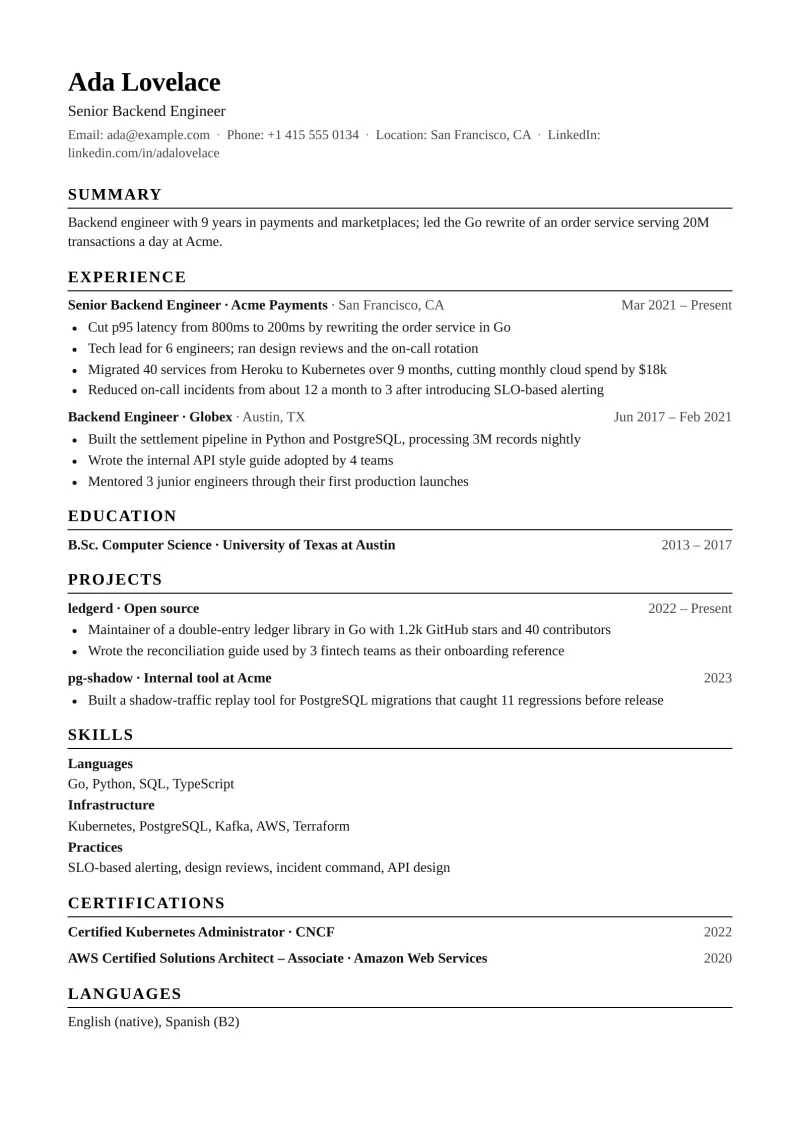
Classic
FreeSerif, understated, the safest layout for every applicant tracking system.
Use this template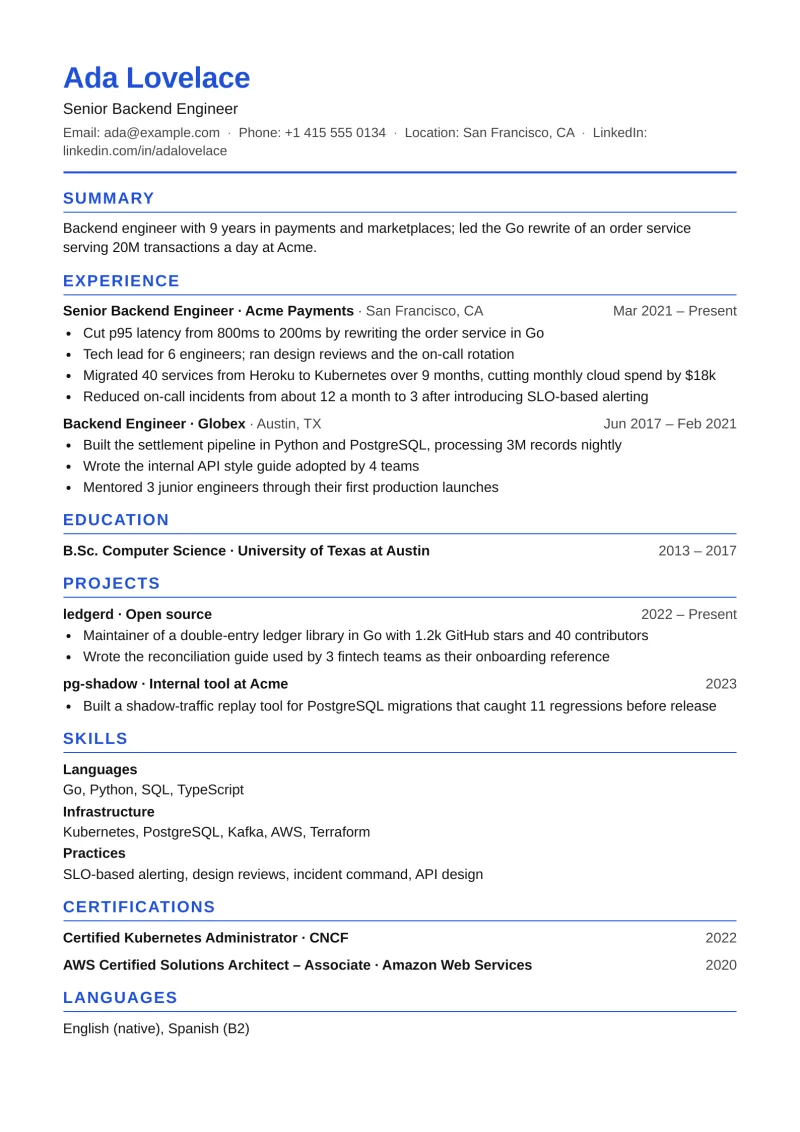
Modern
FreeSans-serif with thin rules and one restrained accent colour.
Use this template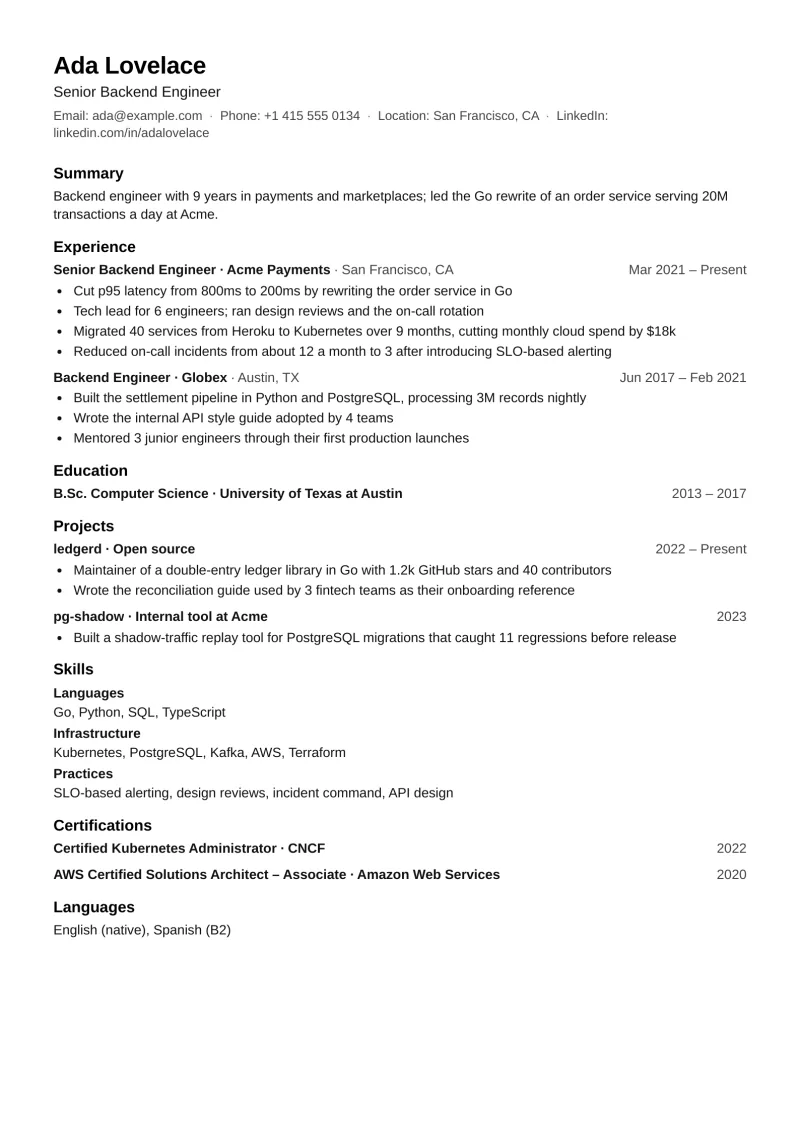
Compact
FreeTighter spacing for senior profiles that must fit two pages.
Use this template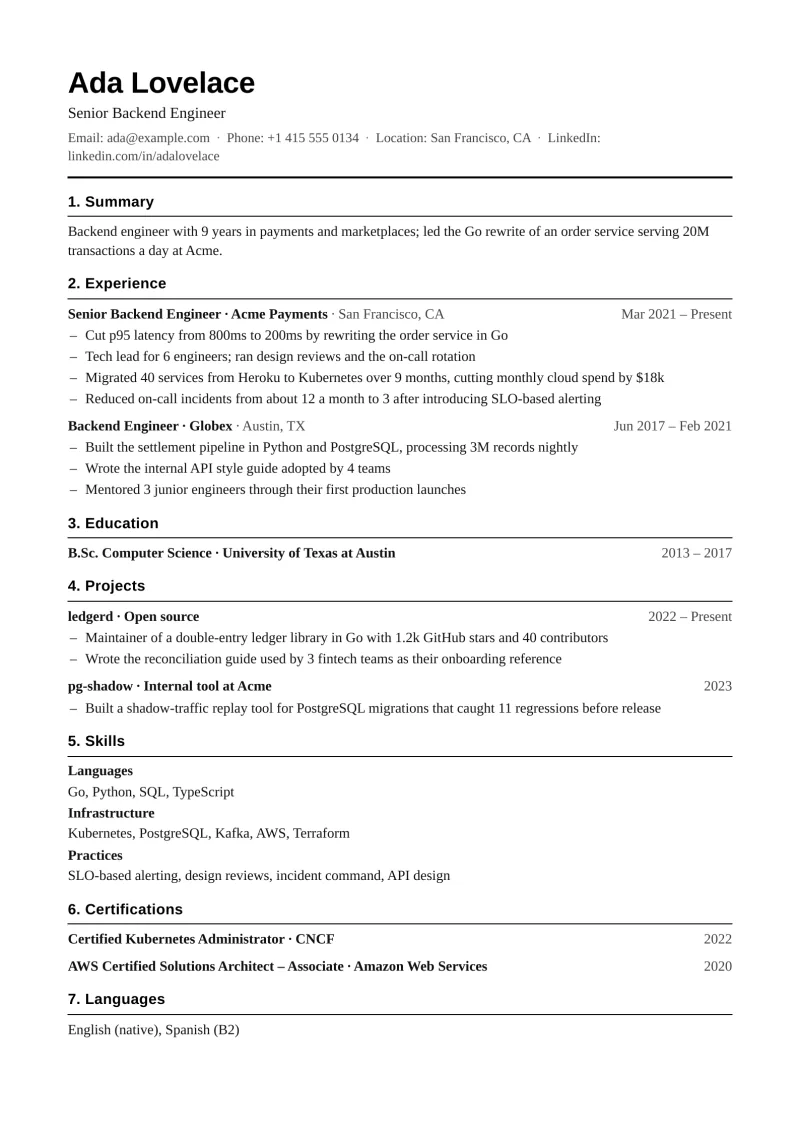
Ledger
5 creditsNumbered sections and hairline rules, the CitedCV house style on paper.
Use this template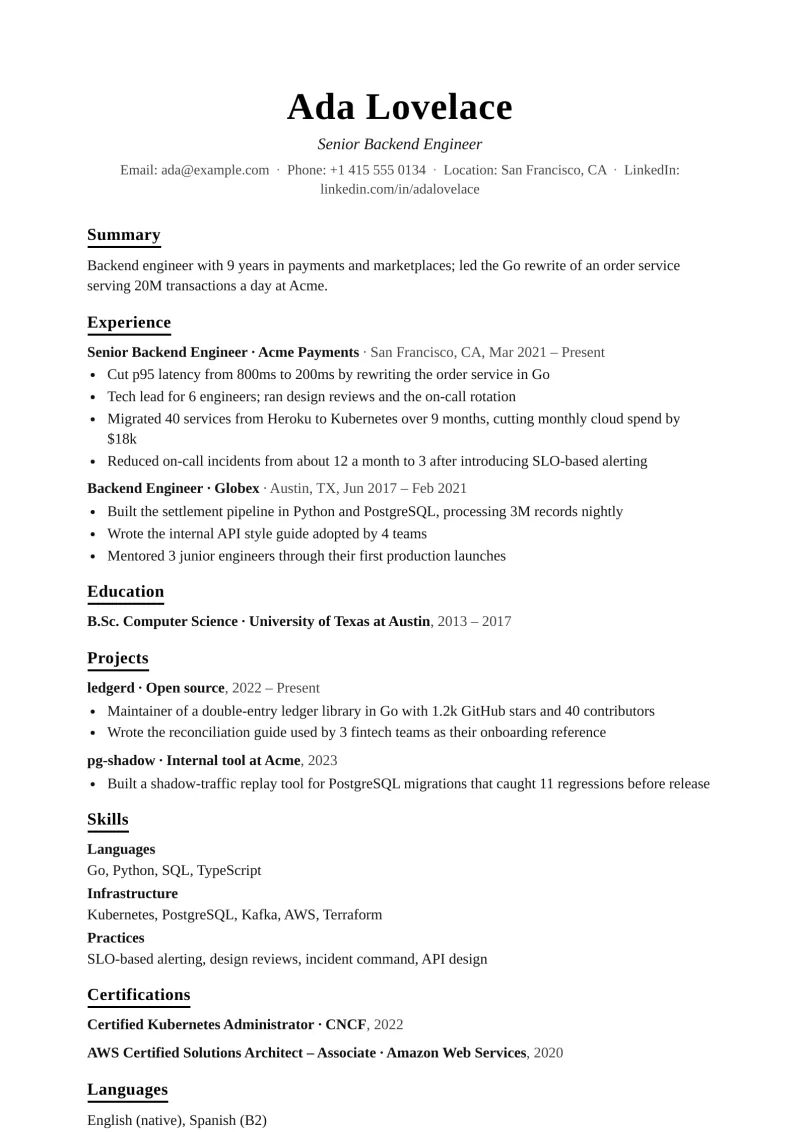
Editorial
5 creditsLarge serif name, generous margins, underlined section titles.
Use this template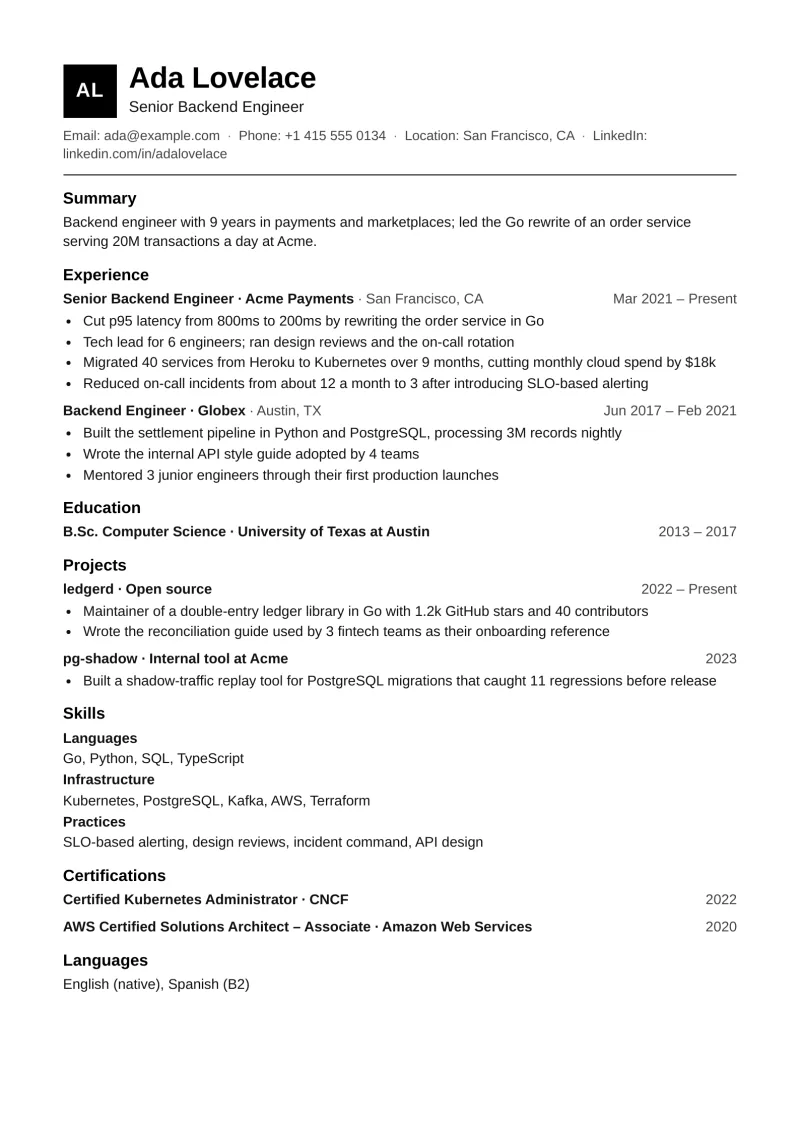
Monogram
5 creditsInitials in a solid block beside the name; sans-serif body.
Use this template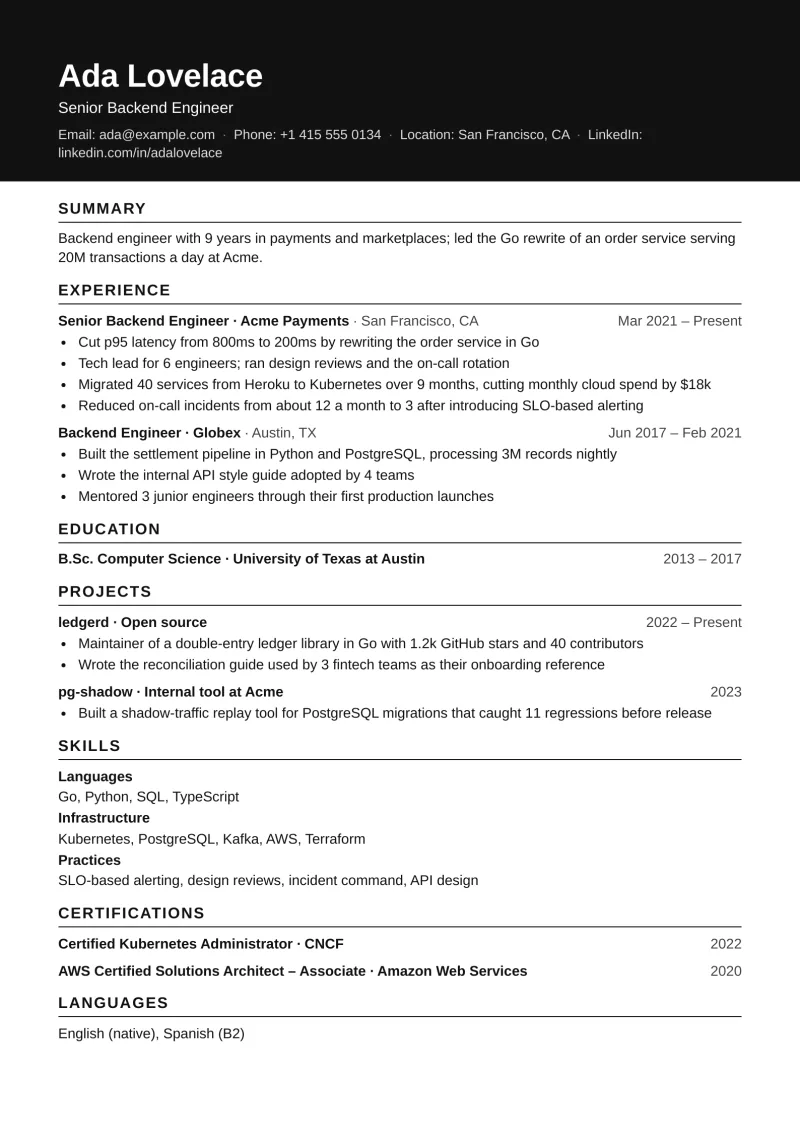
Slate
5 creditsA solid ink band carries the name and contacts; everything below stays plain.
Use this template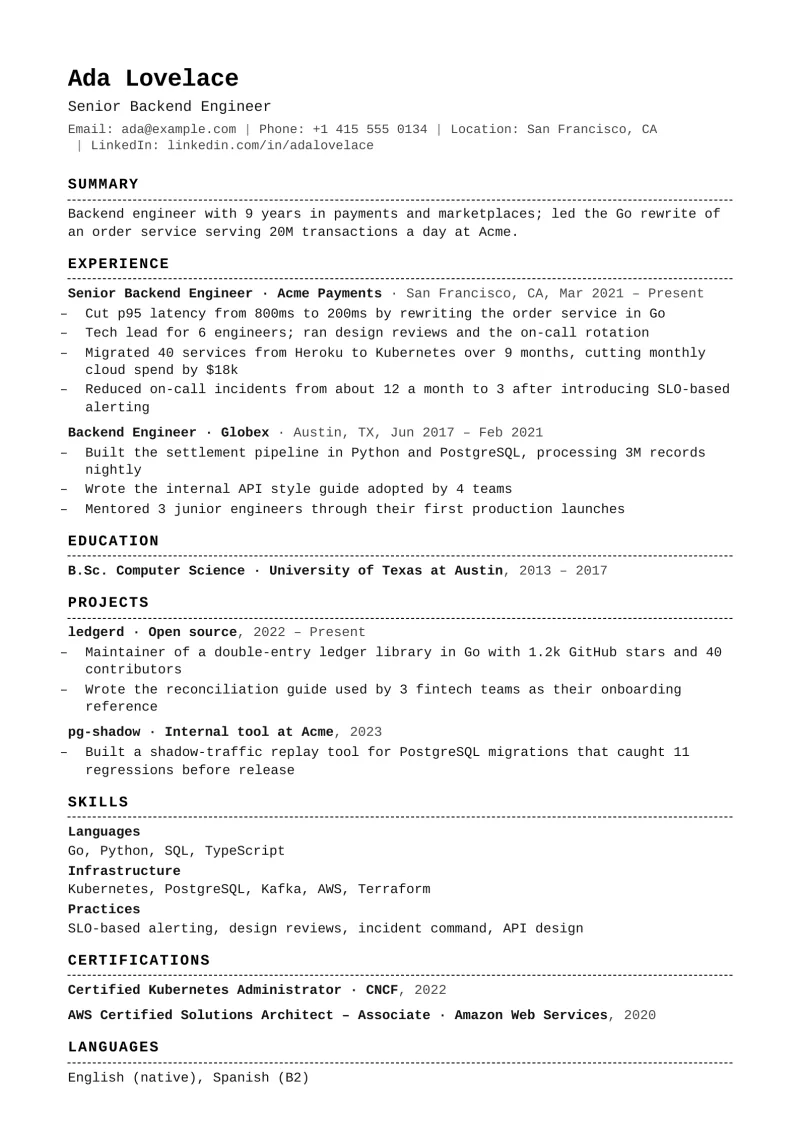
Typewriter
5 creditsMonospace throughout, dashed rules; at home in engineering and research.
Use this template
Questions about templates
Are these templates ATS-friendly?
Yes. Every template is single-column with standard headings, system fonts, no tables, no text boxes and nothing in the page header or footer, and each export is parsed back and compared with the document before it is delivered.
Can I get a two-column template?
No. Two columns are the most common reason a CV is parsed out of order, so CitedCV does not offer one. Whitespace and typography are used to give a page structure instead.
Can a template include a photo?
Only where the region expects one. A photo slot appears for Turkish and German CVs; US and UK CVs are exported without one, because employers there ask candidates not to include it.
Can I switch templates after building?
Yes, at export time, without spending credits. The document is the same; the template changes only how it is set.
Do templates export to Word?
Yes. Every template exports to PDF and to DOCX with the same fonts, sizes and margins, so a recruiter who asks for a Word file gets the same layout.
How does unlocking a premium template work?
It costs 5 credits once. The unlock is recorded on your account and applies to every CV afterwards; the charge shows in your credit history.
Pick one when your CV is ready.
A new account comes with 6 free credits, enough for one quick draft. Auditing a CV you already have is free anyway.